
Commercial Security Cameras & AI Video in Saskatoon & Regina
Today’s cameras don’t just record — they tell people from vehicles, read licence plates, flag what happens after hours and let you search a night’s footage in a sentence. We design them as part of the building’s security, not as boxes on a wall: recorded on site, linked to the doors, and nothing to pay each month to watch your own footage.
- Ubiquiti UniFi & Hikvision
- Recording stays on site
- No licence fees to view your cameras
What makes a modern commercial camera system different?
A modern system understands what it’s looking at. Cameras with on-board AI classify people, vehicles and licence plates, so alerts fire for the things that matter instead of every shadow and snowflake, and a manager can find the right moment in minutes rather than scrubbing through hours.
It’s still evidence infrastructure. It has to be designed backwards from the questions you’ll actually ask — who came through that door, what happened at the loading bay, who was in the parkade at 2 a.m. — and built so the answers survive long enough to be useful.
- Smart detectionPeople, vehicles and plates told apart, on the camera or the recorder.
- Search, not scrubFind every person or vehicle in a time range, or describe what you’re looking for.
- Linked to the doorsEvery access event with its camera clip.
- Owned, not rentedRecorded on site; no fees to view your own footage.
What today’s cameras can do for a building manager
Most buildings are still running cameras that record everything and understand nothing. These are the capabilities that change how a site is actually managed — available today on the platforms we install, chosen per camera and per site.
People vs vehicles
Alerts for a person in the yard after hours, not for headlights, wind and blowing snow.
Licence-plate recognition
Plate-reading cameras log every vehicle at the parkade, gate or loading bay, searchable by plate.
Search in plain words
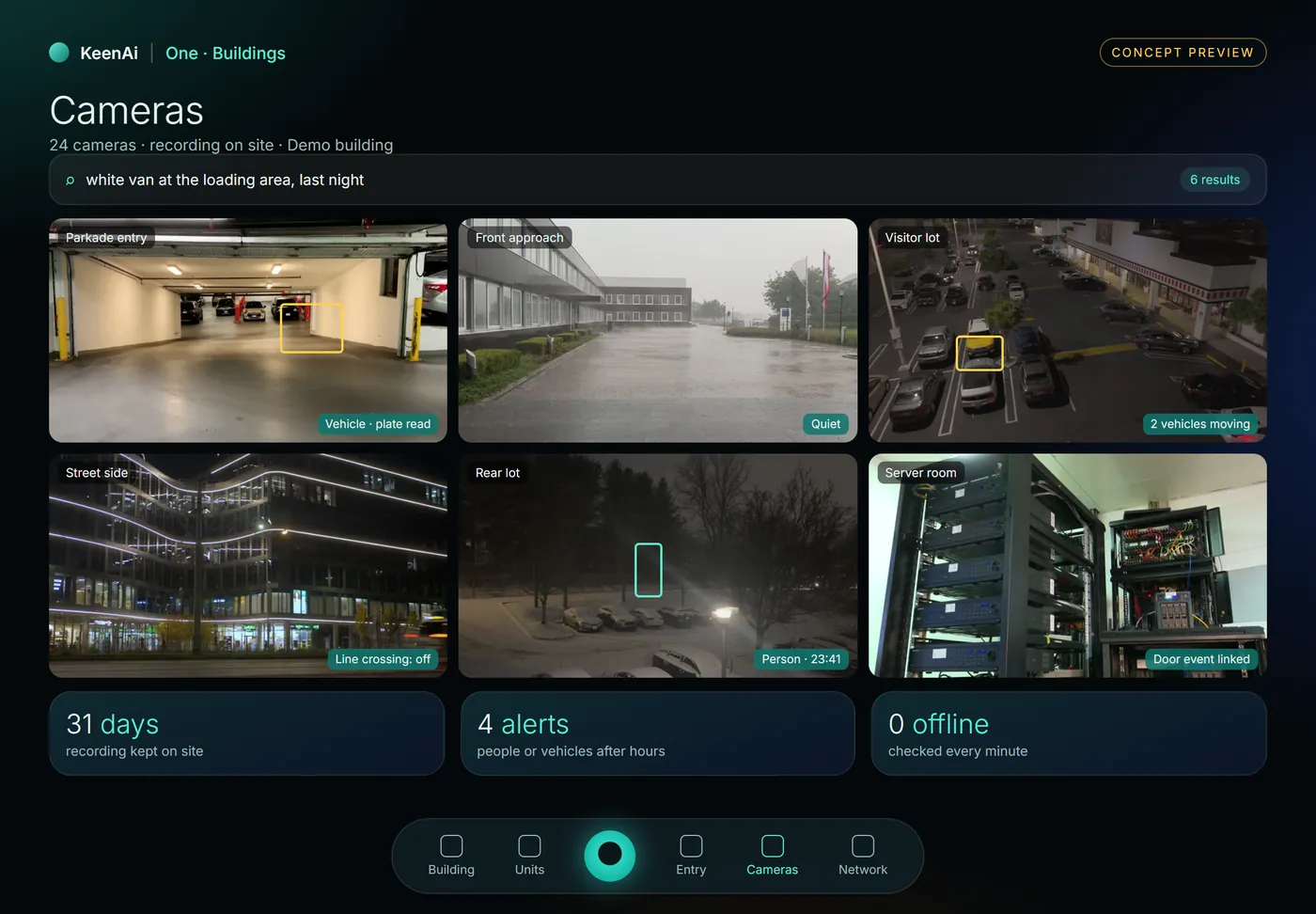
With UniFi’s AI Key, search footage by description — “white van at the loading area” — instead of scrubbing.
Sound detection
Glass breaking, a car alarm or speech flagged on cameras with microphones.
Colour at night
Hikvision ColorVu cameras keep colour in very low light, so a jacket is red, not grey.
Active deterrence
Cameras that switch on a white light or play a warning when someone enters a zone after hours.
Linked to doors
A door forced or held open brings up its camera; every fob entry has a clip.
Automations from events
A vehicle at the gate after hours can turn on lights or notify the on-call manager.
Every site, one app
Several buildings in one view, with per-person logins and a record of who watched what.
Face recognition is available on some cameras too. In Canada it carries real privacy obligations, so we only enable it where it’s lawful for that site, with a written policy and signage — and we’ll tell you when it isn’t worth the risk.
Cameras beside the doors, the water and the network
We’re bringing a building version of KeenAi One: the same core that runs our homes, with a view made for managers. The camera platform keeps doing what it does best; KeenAi One puts its events beside everything else in the building.
- Detections in context: a vehicle at the parkade, a person in the rear lot at 23:41.
- Search in a sentence, with the results on one screen.
- Health you can trust: retention days and offline cameras checked every minute.
UniFi or Hikvision? We install both, for different reasons
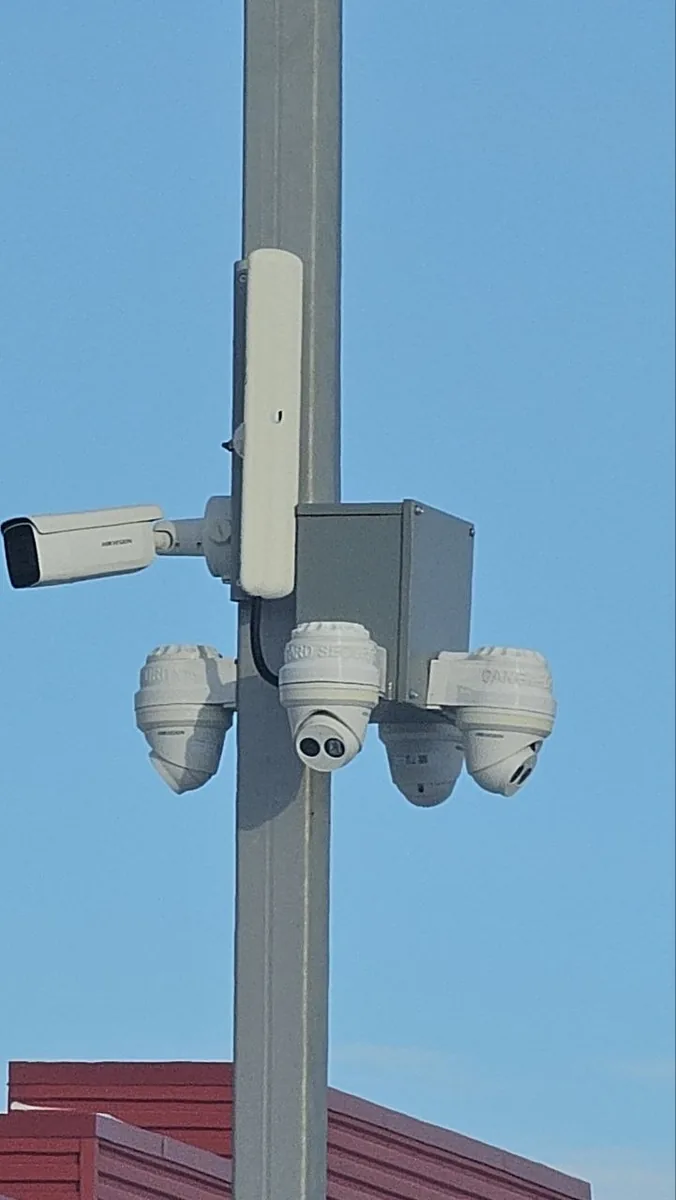
Most of our camera systems are Ubiquiti UniFi. Hikvision is our choice where the site is harsh or needs a specialist camera. Both record locally, both scale from a storefront to a multi-building site, and neither charges a monthly fee to view your own footage.
| Ubiquiti UniFi Protect | Hikvision | |
|---|---|---|
| Strongest at | One platform with the network and the doors | Specialist cameras and demanding environments |
| AI features | People, vehicles, plates and sound; search by description with AI Key | AcuSense people and vehicle classification, intrusion zones and line crossing |
| Night & weather | Good night vision; outdoor models for most mounts | ColorVu colour at night; heated models for the coldest mounts |
| Deterrence | Speakers and automations from detections | Built-in white light and audio warning on many models |
| Fees | No licence fees, any number of cameras | No fees to view local recordings |
Temperature ratings vary by model; we check the datasheet for every outdoor camera against where it will hang. Winter is the design requirement here, not an edge case.
A box from the hardware store is not a security system
Many installers will quote the cheapest consumer cameras they can find. They’re fine for a front porch. They’re the wrong answer for a building.
Consumer cameras
- Wi-Fi and batteries, dropping off the network in the cold.
- Each camera its own app, and often its own cloud subscription.
- Motion alerts for every car, tree and snowflake.
- No link to doors, gates or the people who manage the building.
What we build
- Wired PoE cameras on their own network, rated for the mount.
- One recorder and one app for every camera and every site.
- AI detections that alert on people, vehicles and plates.
- Designed with access control, the network and the building’s routines.
The four we find most often
Retention too short
Damage is often noticed days later. Four days of footage can’t answer a question raised on day nine.
Coverage by cable convenience
Cameras end up where wire was easy, not where the risk is. The yard gate and back door are the classic gaps.
One shared login
No record of who viewed or exported footage, and nothing to revoke when someone leaves.
Nobody trained
The most common call isn’t a broken camera — it’s a business that can’t retrieve its own footage under pressure.
Designed coverage, installed properly
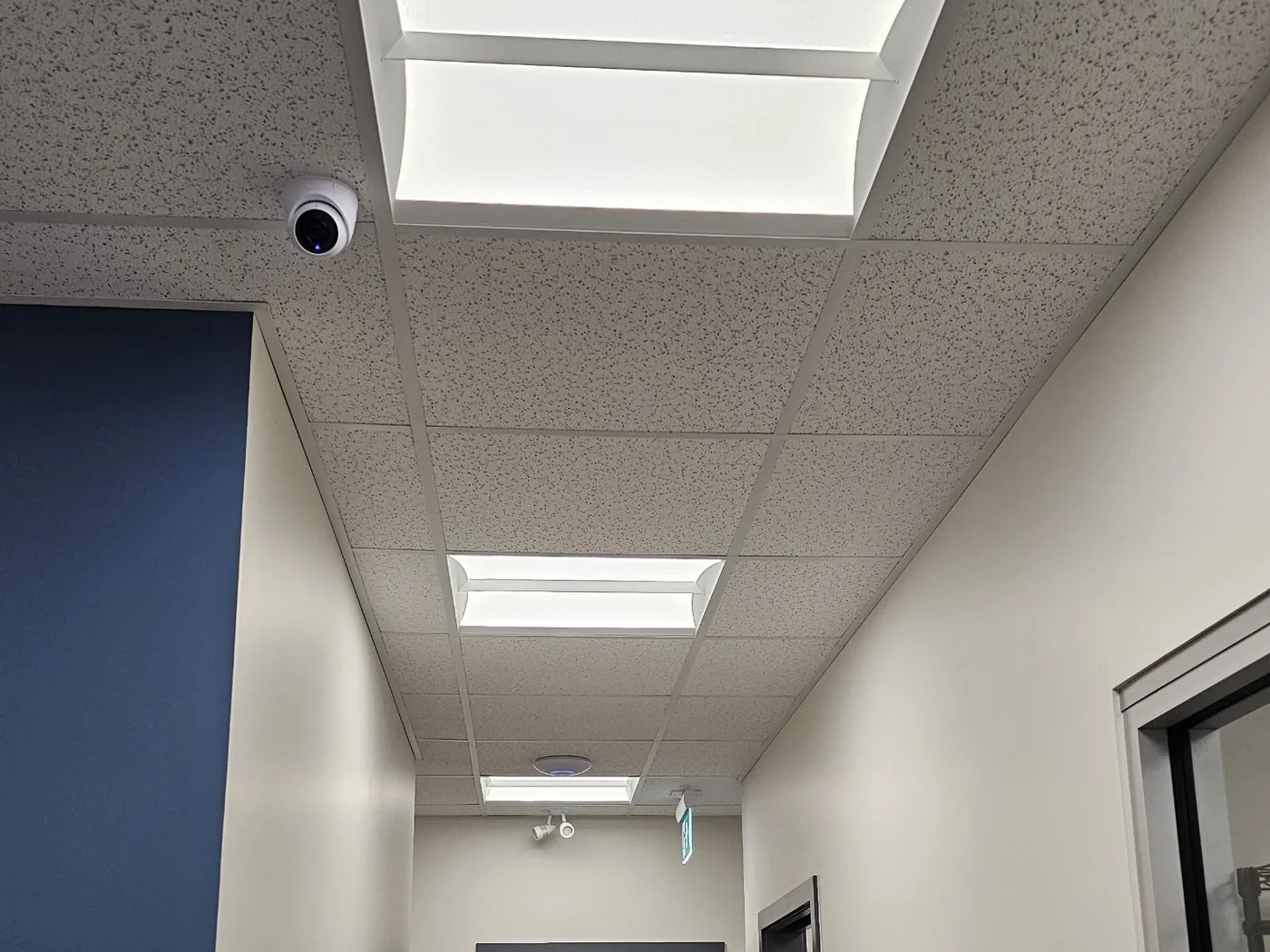
The camera systems we install
Ubiquiti UniFi Protect
Cameras, recorders, AI Key and plate cameras
- UniFi Protect
- UniFi Access
- UniFi Network
Hikvision
Specialist and harsh-environment cameras
- Hikvision
- AcuSense
- ColorVu
Taking over
Existing systems we assess and reuse where sound
- ONVIF cameras
- Existing coax, via adapters
Highlighted: our two camera systems. Feature names belong to their makers and availability varies by model; we confirm each one for your site. Other brand names are trademarks of their owners, listed for compatibility; this is not a claim of dealer or partner status.
Commercial security cameras: frequently asked questions
What can AI security cameras actually do?
They classify what they see — people, vehicles, licence plates and, on some models, sounds such as breaking glass — so alerts fire for real events and footage can be searched by type. With UniFi’s AI Key you can also search by description. The processing happens on the camera or recorder in your building.
Can cameras read licence plates at our parkade or gate?
Yes, with a camera designed for it and mounted for the lane. Every plate is logged and searchable. Whether a recognised plate can also open the gate depends on the equipment, so we confirm it per site.
Is face recognition legal in Canada?
It’s heavily regulated, and Canadian privacy regulators treat facial biometrics as sensitive information. We only enable it where it’s lawful for that site, with a written policy and clear signage, and we’ll tell you when it isn’t worth the risk. We’re not lawyers; for a formal policy, take advice specific to your business.
Ubiquiti or Hikvision — which is better?
Neither, in general. UniFi is our default because it runs the network, cameras and doors on one platform with no licence fees. Hikvision is our choice for harsh mounts, colour at night and specialist cameras. Many sites use the right camera in the right place.
Do cameras work through a Saskatchewan winter?
The hardware we put outdoors is checked against its datasheet for the mount, installed with sealed penetrations and proper cable, and heated models go where the cold is worst. Cold performance is a selection criterion for us, not an afterthought.
Do commercial security cameras need a monthly subscription?
Not with us. Recording is on site and you own the hardware and the footage, so viewing your own cameras costs nothing per month. Optional off-site backup exists if you want a second copy, and monitored response is a separate service with its own fee.
How long should a business keep footage?
Long enough to cover how late a problem is usually noticed. Thirty days is a common commercial baseline. Retention depends on camera count, resolution and recording settings, so we size the recorder for the days you want and tell you what you’re actually getting.
Do I have to tell people they’re being recorded?
In general, yes — Canadian privacy expectations point toward clear notice, cameras aimed at what you genuinely need to protect, and controlled access to recordings. We install signage and set up per-person accounts as a matter of course.
Can cameras be linked to our access control?
Yes. On the same platform, every door event has its clip, and a door forced or held open can bring up its camera straight away.
Can I view several sites in one place?
Yes. Multiple locations sit in a single view with individual logins, so access can be granted and revoked as staff change, with a record of who viewed or exported what.
Can you work with the cameras we already have?
Usually. Sound cameras and cabling get reused where they’re worth keeping, and we tell you honestly which parts aren’t. Inherited and half-finished systems are a large share of what we’re called to fix.
How much does a commercial camera system cost?
It depends on the number of cameras, the mounts and the retention you need. You get a camera schedule and a fixed quote after a free site assessment, before any work begins.
Updated October 2026.
Cameras work best with the rest of the building
Find out what your cameras can actually see
A camera plan, a fixed price, and an honest answer about the coverage and retention you have today — and what the new generation would add.
Saskatoon, Warman, Martensville, Regina and across Saskatchewan; Alberta where the project justifies it.