
Whole-Home WiFi & Networking in Saskatoon
Dead zones in the basement, video calls that stutter in the office, cameras that drop offline. The fix usually isn’t a faster internet plan or a pricier router — it’s a properly designed network, wired where it matters and handed over with the passwords in your name.
- Your network, your passwords
- Wired backbone, surveyed access points
- Locally owned, Saskatoon
What is a whole-home network?
A whole-home network replaces the single router in a corner with a wired backbone and ceiling or wall access points placed from a signal survey. You get one network name, full speed on every floor and the deck, and separate networks for smart devices and guests — documented, labelled and yours.
WiFi is physics: walls, floors, distance and interference win every time. Add today’s device count — cameras, TVs, thermostats, phones, a laptop in the garage — and one router was never going to cover it.
- Wire firstEthernet to the access points, TVs, offices and cameras. Wireless is for convenience; wire is for reliability.
- Placed by surveyAccess points where the signal survey says, not where the cable was easiest.
- SegmentedCameras and smart devices kept apart from laptops and phones; a guest network that touches neither.
- Handed overLabelled panel, documentation and every password in your name.
Your internet is probably fine. Your network isn’t.
Here’s the honest test you can run yourself, free, before you call anyone.
Stand where it’s bad
The basement, the office, the far bedroom. Run a speed test on your phone.
Stand by the router
Run the same test again, a metre from the router.
Compare
If the number collapses away from the router, it’s a coverage problem. A faster plan won’t fix it.
If both are slow
Then it may really be the connection, and we’ll tell you to call your provider, not us.
One router, a mesh kit, or wired access points?
Each has its place. The difference is how the signal gets back to the router.
| One router | Consumer mesh | Wired access points | |
|---|---|---|---|
| How it reaches the far rooms | It often doesn’t | Each unit repeats the signal wirelessly | Each access point has its own cable back |
| Speed at the far end | Drops with every wall and floor | Each wireless hop can roughly halve it | Full speed at every access point |
| Cameras & smart devices | Crowded, often dropping | Better, still sharing airtime | On their own segment; cameras wired |
| Detached garage or shop | No | Sometimes, weakly | Wired, or a point-to-point link |
| Best for | Small apartments | Homes where running cable isn’t possible | Most houses, acreages and anything with cameras |
Mesh genuinely has its place. If it’s the right answer for your home, we’ll tell you rather than sell you cable you don’t need — and many mesh systems can be wired back too, which fixes most of the problem.
Designed like infrastructure, because it is
Wired backbone
Clean Ethernet runs to the access points, TVs, offices and cameras, fished through finished walls.
Access points by survey
Ceiling and wall access points placed from a real signal survey. One network name, seamless roaming.
Segmented & secure
Smart devices and cameras on their own network; a guest network that can’t reach either.
Tidy and labelled
A labelled patch panel in a proper rack or media enclosure, so the next technician can help you.
Garage, shop & yard
Detached buildings wired where we can trench, point-to-point wireless where we can’t.
Power over Ethernet
Cameras and access points powered through the same cable that carries their data.
Everything else in a smart home rides on this
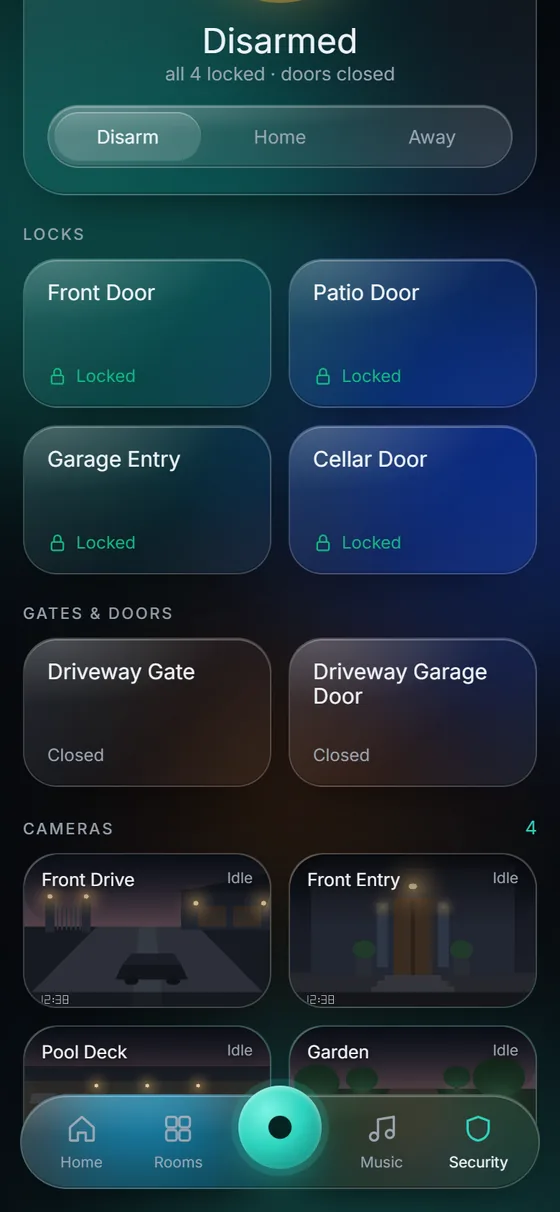
- Cameras stop dropping offline. Offline cameras are usually a WiFi problem, not a camera problem — the most common thing our assessments find.
- The smart home gets boring, in a good way. Many “my smart home is unreliable” complaints are a network problem in disguise.
- The hub is wired. We put the KeenAi One hub on the wired network, so lights, heat and leak response don’t depend on WiFi signal.
- Build it once, correctly. Cameras, leak protection and every smart control depend on this layer.
Prairie houses are hard on WiFi
Basements are real rooms
Developed basements with offices, gyms and theatres sit under a concrete-and-joist floor that WiFi from upstairs struggles through.
Acreages and shops
Quonsets, detached garages and a yard to cover. Point-to-point links between buildings are routine work for us.
Working from home
Video calls and a VPN in the office need a wired connection or an access point in the room, not the far edge of a router’s reach.
Network hardware we work with
We choose the hardware for your house, not for the margin. If you already own a system that’s worth keeping, we’ll build around it.
Access points & switching
Wired, managed networks
- Ubiquiti UniFi
- TP-Link Omada
Mesh you may already own
Often wired back, not replaced
- eero
- Google Nest Wifi
- Netgear Orbi
- TP-Link Deco
Cameras on the network
Our two camera systems
- Hikvision
- Ubiquiti UniFi Protect
Highlighted: Hikvision and Ubiquiti UniFi are the two camera systems we install. Other brand names are trademarks of their owners, listed for compatibility; this is not a claim of dealer or partner status.
From dead zones to full coverage
Free assessment
We survey the signal room by room, look at the wiring you have and quote a fixed price.
Design
Where the access points go, what gets wired, and how the network is split.
Clean install
Cable fished through finished walls, terminated, tested and labelled.
Proof, not promises
We walk the property with you and test speed at every spot that was a problem.
Home WiFi & networking: frequently asked questions
Is a mesh kit as good as what you install?
Often not. Consumer mesh repeats the signal wirelessly and can roughly halve throughput on each hop, so the far end of the house gets the worst of it. We wire our access points so each one delivers full speed. Mesh has its place, and if it’s the right answer for your home we’ll say so.
Why is my WiFi slow in one room?
Usually distance and what’s in the way: floors, walls, ductwork, mirrors and appliances. Run a speed test there and next to the router. If the number collapses, it’s coverage, and an access point closer to that room is the fix.
Do I need to upgrade my internet plan?
Usually no. Most of the time you’re already paying for speed that simply isn’t reaching your devices. We make what you have arrive where you use it.
Do you run cable in finished homes?
Yes. Fishing cable cleanly through finished walls is most of the craft, and we treat your drywall like it’s ours.
Will this fix my cameras dropping offline?
Very often. Offline cameras are usually a WiFi problem, not a camera problem. Wiring cameras with Power over Ethernet removes the WiFi from the equation entirely.
Can you cover my shop, garage or quonset?
Yes — wired if it’s attached or we can trench, point-to-point wireless if not. Rural and acreage properties are routine for us.
Why separate my smart devices onto their own network?
Cameras, plugs and gadgets come from many makers with very different security habits. Keeping them on their own network means a weak device can’t reach your laptop or phone, and a guest network keeps visitors away from both.
How many access points does my house need?
It depends on the size, the layout and what the walls and floors are made of, which is why we survey rather than guess. Many houses need one per floor; some need more, and a detached building needs its own.
Can I keep my internet provider’s modem?
Usually yes. Your provider’s equipment brings the internet in; our network takes it from there to every room. We set it up so the two don’t fight.
Who has the passwords?
You do. Every network is handed over documented, with the admin and WiFi passwords in your name. You’re never locked to us; any competent technician can pick it up.
Do I need a subscription?
No. You own the hardware, and your network runs in your home whether or not anyone’s cloud is up.
How much does a whole-home network cost?
It depends on the house, how much needs wiring and how many buildings there are. We give you a fixed quote at a free on-site assessment, before any work begins.
Updated October 2026.
What a good network makes possible
Stop rebooting the router. Fix the network.
Free on-site assessment in Saskatoon, Warman and Martensville. Acreages and rural properties welcome. A fixed quote on the spot.
Elsewhere in Saskatchewan? Get a free quote without a visit.