
Access Control & Building Intercoms in Saskatoon & Regina
Fobs, phones and a video intercom instead of a drawer of keys and a buzzer panel from the nineties. For condominiums, apartment buildings, townhouse complexes and businesses: the lobby, the parkade, the amenity rooms and the cameras, in one system with a record of every door.
- A credential per person, not a key per building
- Built on UniFi Access
- Fails safe, and to code
What does an access control system do?
It replaces shared keys with individual credentials — a fob, a card, a phone or a code — and records which credential opened which door, and when. Access can be limited to certain doors and hours, and taken away in seconds without changing a single lock.
A key says nothing about who used it. It can’t be switched off, and when a tenant, cleaner or contractor leaves, you’re trusting every copy came back. That’s why the honest answer to “has anyone still got a key?” in most buildings is: probably.
- Every person, their own credentialFob, card, phone, Apple Wallet, PIN or a visitor QR code.
- Every door, a recordWho opened it, when, with the camera clip beside it.
- Video intercomVisitors find the resident in a searchable directory and are let in remotely.
- Doors that behaveFail-safe or fail-secure by design, with egress that always works.
Many building intercoms still dial a landline nobody has
Plenty of apartment, condo and office entry panels in Saskatchewan are decades old: a buzzer that calls a phone line, a directory card nobody updates, no picture of who’s at the door and no record of who was let in. Replacing one is usually the single change residents notice most.
| The old buzzer panel | A modern IP video intercom | |
|---|---|---|
| Who it calls | A landline in the suite | The app on a phone, or a viewer at the concierge desk |
| Seeing the visitor | No | Live video and two-way audio |
| The directory | A printed card, often out of date | Searchable by name, updated from the office |
| Residents getting in | A key or a code everyone knows | Fob, phone, Apple Wallet or a personal PIN |
| Couriers & visitors | Someone buzzes them in, or they wait | Let in remotely, or a QR code that works for the visit |
| Record | None | Every entry logged, with the camera clip |
A complete entry and security package for residential buildings
Condo boards and property managers rarely want six contractors. We design the lobby, the doors, the parkade, the cameras and the network as one system — and phase it to suit the reserve fund.
Lobby video intercom
A searchable resident directory, live video and remote door release.
Fob & phone entry
Front doors, side doors, stairwells and the roof, each on its own schedule.
Parkade & gates
Overhead doors and gates on fob, phone or remote, with the vehicle recorded on the way in.
Amenity & service rooms
Mail room, gym, party room and storage by schedule; mechanical rooms for staff and trades only.
Cameras on every entry
Lobby, parkade, lots and loading areas, linked to the door events. See security cameras.
Water protection per suite
Leak detection and shut-off in every unit, on the same dashboard. See building water.
Townhouse complexes
Gate entry, visitor parking cameras, mailbox and amenity doors across a site.
The network underneath
Door hubs and cameras on their own network, so the system is fast and secure. See networks.
Handover to the board
Administrators trained to add a resident, remove one and pull a report before we leave.
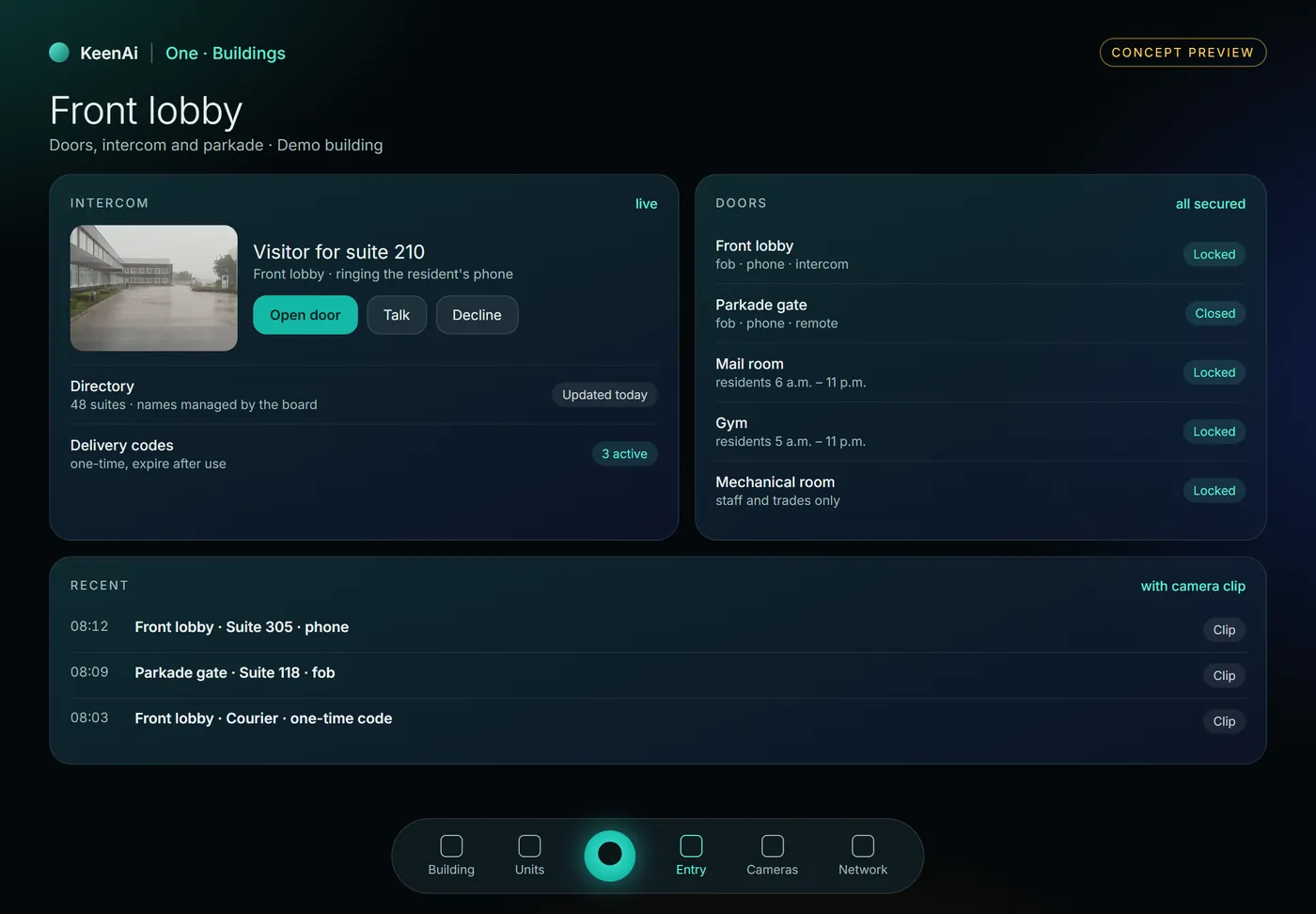
Entry, cameras and water on the manager’s screen
We’re bringing a building version of KeenAi One: the same core that runs our homes, with a view made for property managers and boards. The intercom, every door, the parkade and the camera clip behind each event, in one place.
- Answer the lobby and see who’s there before opening.
- Every door’s state and schedule on one list.
- Every entry with its clip, so an event at 02:14 has a picture attached.
Ways in that most buildings don’t know exist yet
- Tap an iPhone or Apple Watch. With UniFi Access, a building pass can live in Apple Wallet, and Ubiquiti states it keeps working for up to five hours after the phone’s battery runs out.
- Phone unlock from the app, for staff and residents who carry a phone everywhere and lose fobs.
- Visitor QR codes and PINs for cleaners, couriers and trades, that stop working when they should.
- Fobs and cards still, for anyone who’d rather not use an app. Most buildings run both.
The parkade is a door too
Most parkades still run on remotes nobody can switch off. Bringing the gate or overhead door into the same system closes the biggest gap in many residential buildings.
Fob, phone or remote
The gate answers to the same credentials as the lobby, and a lost remote is removed in seconds.
Plate-reading cameras
A licence-plate camera logs every vehicle in and out. Opening the gate from a recognised plate is possible on some setups; we confirm it per site.
Visitor parking
Cameras on visitor stalls and lots, so disputes come with a picture.
Held-open alerts
A gate or door left open is an alert to the manager, not a surprise in the morning.
What happens when things go wrong
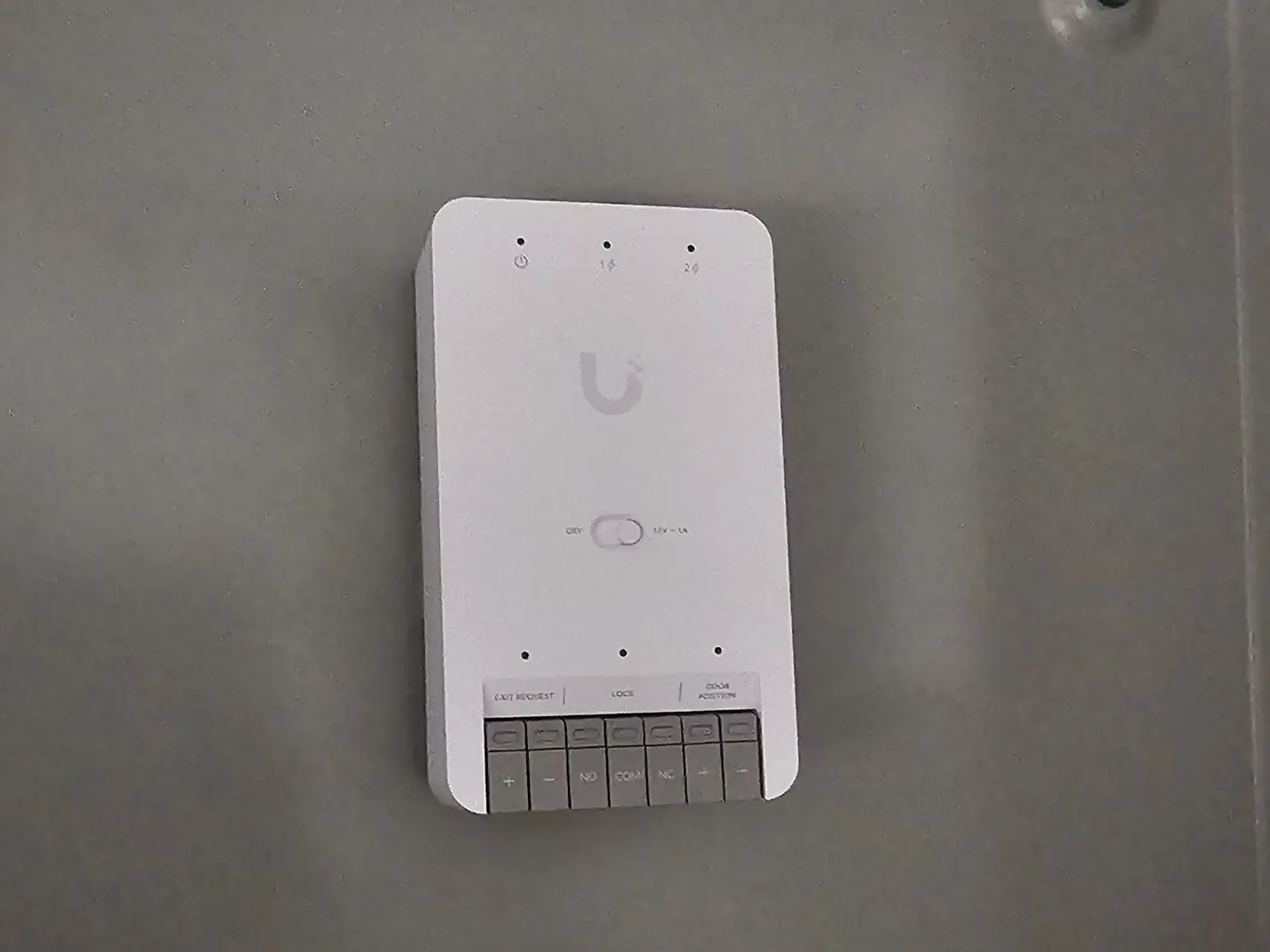
- Power failure. Every door is specified fail-safe or fail-secure deliberately, and egress works regardless. That’s a code matter, decided at the survey.
- Network failure. Door hubs keep enforcing their existing permissions when the network drops. Nobody is locked out because a switch failed.
- Doors propped open. Door-position monitoring turns “it was unlocked at 6 p.m.” into “it stood open for forty minutes.”
- Leavers. A system nobody maintains drifts back to the key problem. We set it up so removing someone takes seconds, and show you how.
The access and entry hardware we build on
Access & intercom
Readers, door hubs and video intercoms
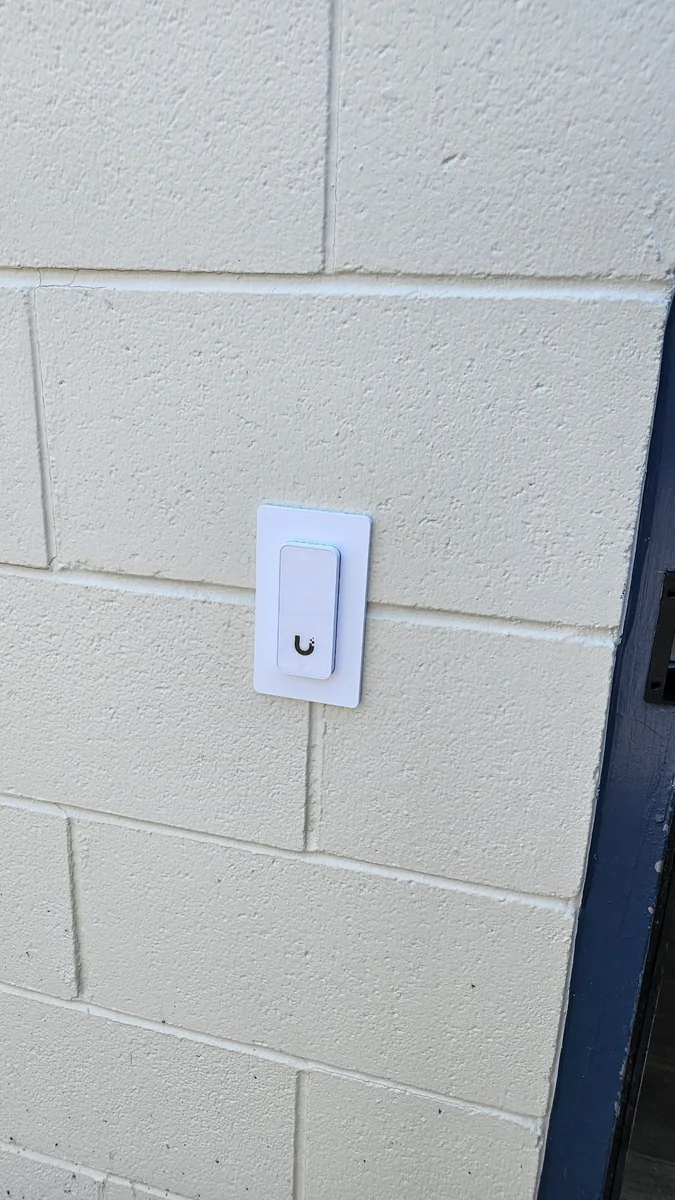
- Ubiquiti UniFi Access
- Hikvision
Door hardware
Releases matched to the door and frame
- Electric strikes
- Maglocks
- Request-to-exit
- Door-position sensors
Gates & parkades
Operators with a standard control input
- LiftMaster
- Chamberlain
- Overhead parkade doors
Highlighted: the access and entry systems we install. Controllers and records stay on your own equipment. Other brand names are trademarks of their owners, listed for compatibility; this is not a claim of dealer or partner status. Electrical work is carried out to code by licensed contractor partners.
Door by door, phased to suit the building
Free site assessment
Every door, frame and gate checked, egress and code requirements noted, cable routes found.
Fixed quote per door
Stage it — the lobby and parkade now, the rest next year — without paying twice.
Install & test
Every door tested for normal operation and for power loss, with residents told in advance.
Handover & training
Residents loaded, schedules set, and your administrator shown the whole routine.
Access control & intercoms: frequently asked questions
Can you replace an old apartment or condo intercom?
Yes, and it’s one of the most common jobs we’re asked about. The old panel comes out and an IP video intercom goes in, with a searchable directory and remote door release. We reuse the existing cabling where it’s sound and tell you where it isn’t.
Do residents need a landline for the intercom?
No. A modern intercom works over the building network and reaches people through an app or a viewer at the desk. Residents who prefer fobs and buzzing visitors in the old way can still be accommodated — we design around the building’s actual population.
Can residents use their phones instead of fobs?
Yes. Phones can unlock doors from the app, and with UniFi Access a building pass can be added to Apple Wallet and used with a tap of an iPhone or Apple Watch. Fobs and cards remain available for anyone who prefers them, and most buildings run both.
How do couriers and visitors get in?
They can be let in remotely by whoever answers the intercom, or given a QR code or PIN that works for the visit and then stops. Every entry is recorded either way.
Can the parkade gate be on the same system?
Usually. Gates and overhead doors with a standard control input can answer to the same fobs and phones as the lobby, and a plate-reading camera can log every vehicle. Whether a recognised plate can open the gate depends on the equipment, so we confirm it at the assessment.
What happens to the doors in a power cut?
Each door is specified fail-safe or fail-secure at design time, and egress remains possible in every case — that’s a code requirement. We walk you through exactly how each door behaves before anything is ordered.
Does it keep working if the internet goes down?
Yes. Door hubs and records live on equipment in the building, so fobs and schedules keep working. Remote unlocking and notifications pause and come back by themselves when the connection does.
Can access control work with our cameras?
Yes, best when both are on the same platform: an access event and the footage sit side by side, so an out-of-hours entry comes with a picture. Where platforms don’t fit together, we say so rather than promising integration that doesn’t exist.
Do we have to do the whole building at once?
No, and most buildings shouldn’t. Start with the doors that carry the most risk — the lobby, the parkade, the mechanical room — on a design that lets the rest be added later without replacing anything.
Who manages residents and fobs after you leave?
Your administrator, property manager or board — we train them to add and remove people, change schedules and pull reports. If you’d rather we handle changes, that can be part of support.
Is there a monthly fee?
Not to run the doors. Controllers and records live on your own equipment, so opening doors and reviewing the audit trail costs nothing per month. Any optional service with a fee is identified before you buy.
How much does access control cost?
It’s priced per door against a door-by-door plan, plus the intercom and parkade if you include them. You get a fixed quote after a free site assessment.
Updated October 2026.
Entry works best with the rest of the building
Find out how many keys are still out there
A door-by-door plan and a fixed price, and an honest view of which doors genuinely need a reader and which don’t.
Saskatoon, Warman, Martensville, Regina and across Saskatchewan; Alberta where the project justifies it.